
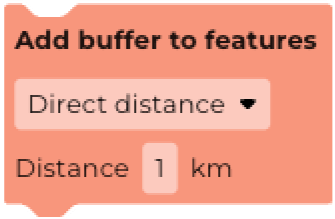
The Add buffer to features block allows you to create new features that include a buffer area around the original features in a dataset. The Add buffer to features block can only be used with feature collections.
Below is an example buffer.
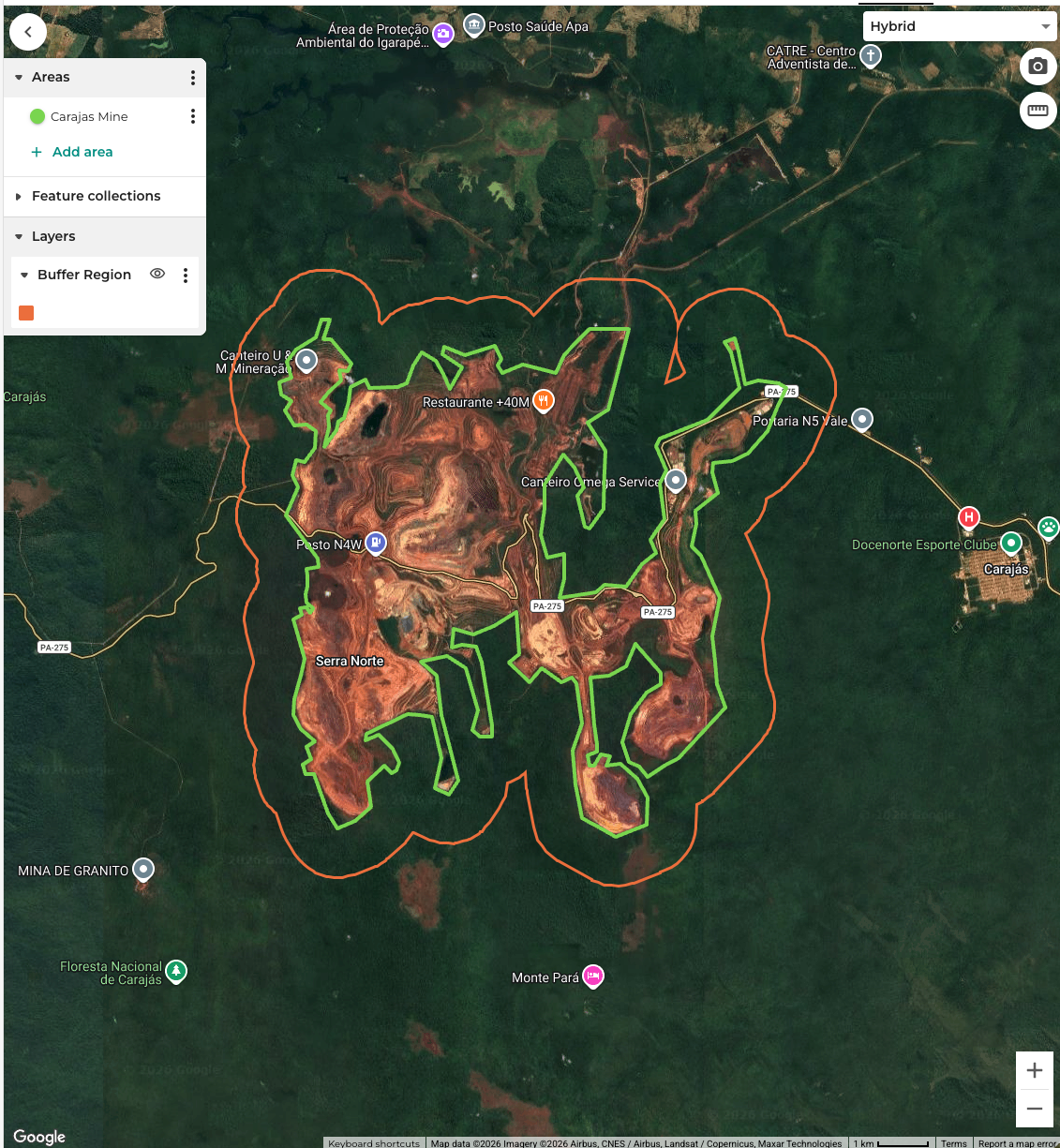
To see this new feature on the map, use the Create map layer block.
There are two types of buffer that can be applied:
- Direct distance: adds a set distance (in kilometres) around the feature. This can be a negative number to create an internal buffer.
- Travel time: adds the distance that could be travelled from the boundary of the shape in a given amount of time. This is calculated using the Global Friction Surface 2019 dataset.