
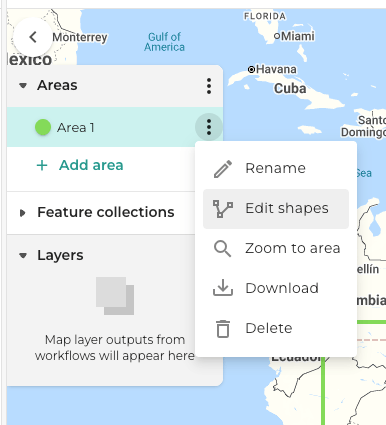
To edit a shape that you have drawn on the map, click on the menu for the shape, and select Edit shapes.
Click and drag the edges of your shape to edit them. If your area contains more than one polygon, each area will be editable.
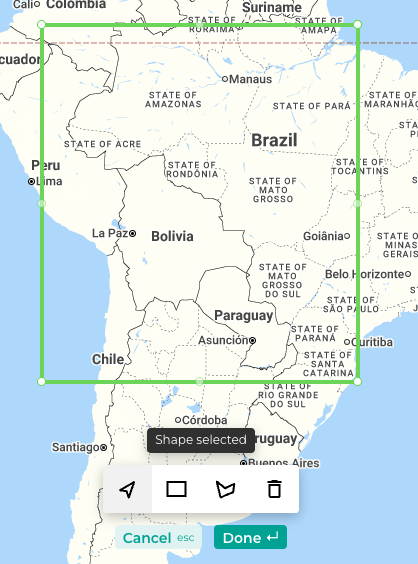
To exit edit mode, click the "done" button at the bottom of the map, or press ENTER on your keyboard. To cancel your changes, click the "cancel" button or press ESC on your keyboard.
Features that you have uploaded from your device or added from Assets cannot be edited on the map.