
Projects
The Projects page is the homepage of the Earth Blox app. This is where you can create, manage and delete projects.
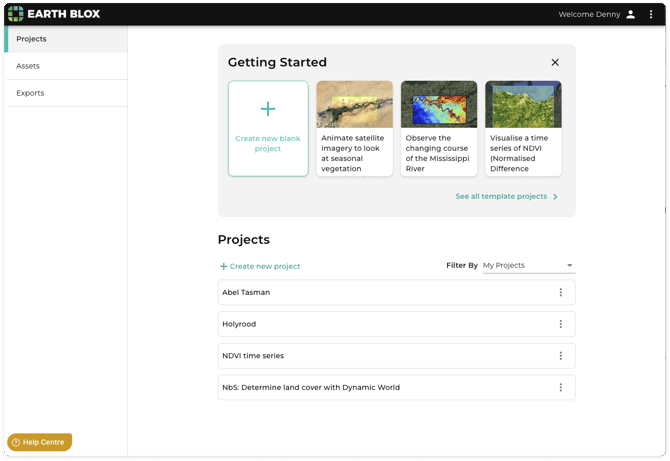
To start a new project, select Create new project.
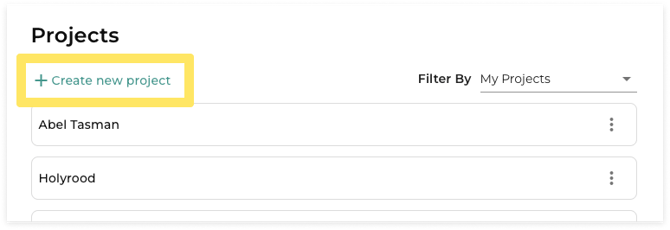
If you are a member of a team (Enterprise tier only), you can filter to see your team projects.
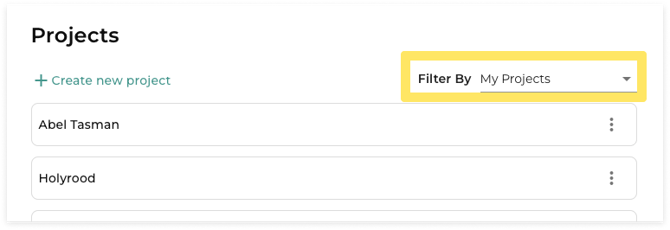
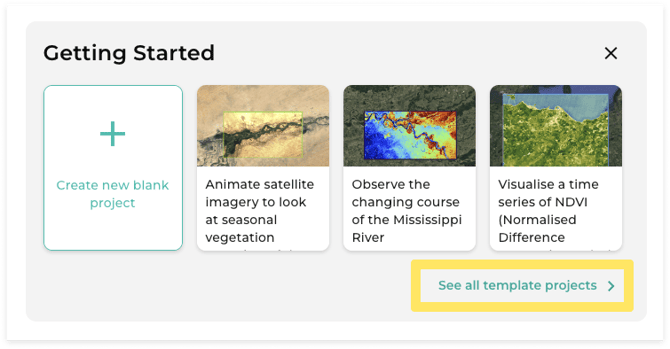
To explore templates, click on See all template projects in the Getting started section, or click Create new project > From template.
Assets
Any files you upload to Earth Blox live in the Assets page.
Areas
Click on the Areas tab to see areas that you have uploaded.
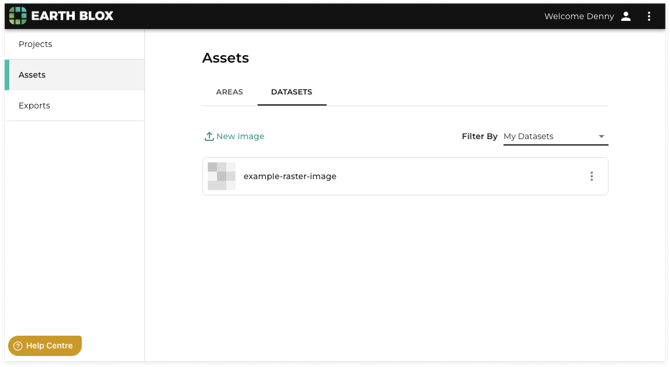
Click on the trash can icon to delete an area, or the map icon to add the area to a new project.
Datasets
Click on the Datasets tab to see raster images that you have uploaded.
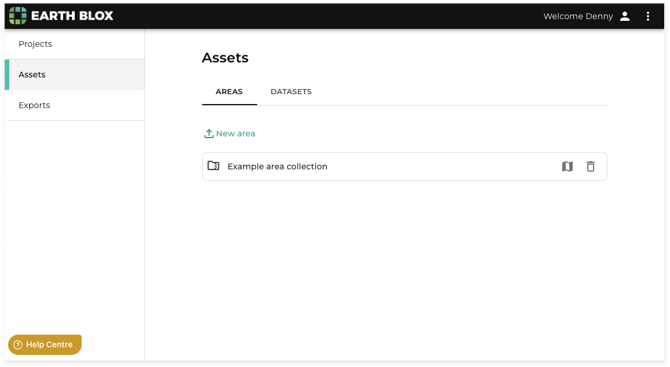
To view details about your uploaded dataset, click on the dataset in the list.
Click on the extras menu item to share or delete an image.
Exports
GeoTIFF files that you’ve exported from your projects live in the Exports page.
You can download GeoTIFFs for 48 hours after you’ve exported them.
Account
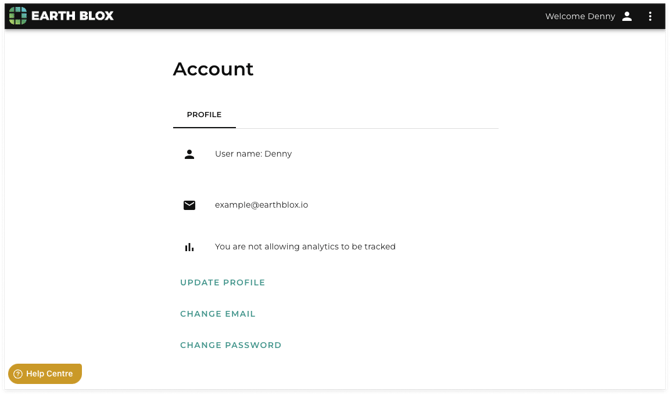
Click on the profile icon in the navigation to get to the Account page.
Profile
Add and update your personal details on the Profile tab.
Subscription
View and manage your subscription on the Subscription page.