
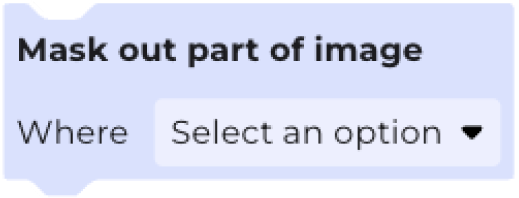
The Mask out part of image block masks out pixels in an image based on the value of a chosen band. Masked out pixels are ignored in calculations, and are transparent in outputted map layers.
You can choose to mask out part of an image using bands from another workflow. For example, you could choose to mask out parts of an image that are above a certain elevation by creating a second workflow using an elevation dataset.
To apply more than one filter, add multiple Mask out part of image blocks.