
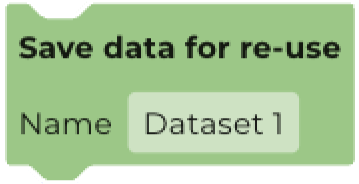
Add the Save data for re-use block to use a dataset created in one workflow in a different workflow. Filters and new bands created from blocks placed above the Save data for re-use block will be included in the saved dataset.
To use datasets that have been saved for re-use:
- Add a Use this dataset block to the workspace
- Click on Search datasets
- Click on the Project datasets tab in the dataset finder
- Select your saved dataset
To reuse a dataset within a supervised or unsupervised classification workflow, drag and drop a Re-use save dataset block to the input section of the container block, and select the appropriate dataset.