
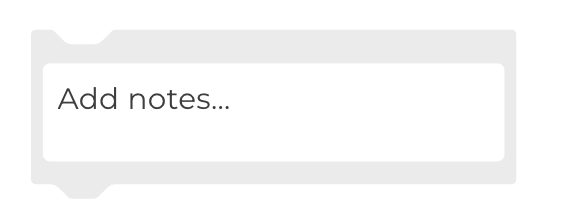
Add the Annotate block to make notes on your workflow. This block has no function in the code and will have no impact on the running of the worfklow.
You can add as many Annotate blocks as you want.
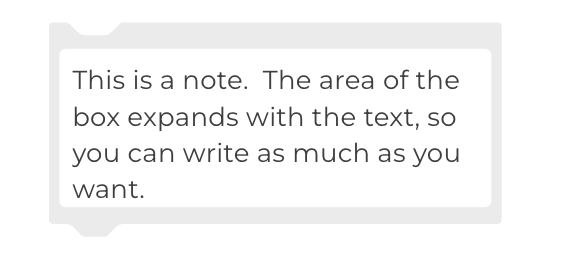
When you add text, the box expands to accommodate the text you write.
When you initiate the Collapse Block command (from a right mouse click), the start of the note is still visible.

The content of any notes in a workflow are included in the downloaded text file when you choose Download workflow log in the Dashboard tab.