
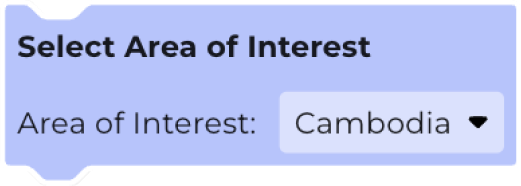
The Select Area of Interest block determines which geographic area is used by a workflow. Each workflow needs to have an Area of Interest defined.
If you have one Area of Interest on the map, this will be selected by default. If you have multiple areas on the map, use the dropdown to select which to use in your workflow.
Workflows with a smaller Area of Interest, and less complex shapes will run faster, as they require less processing.
Datasets may only have coverage over certain areas. Check the dataset coverage in the dataset finder
Learn more: