
The pixel inspector allows you to see information about a specific pixel on the map.
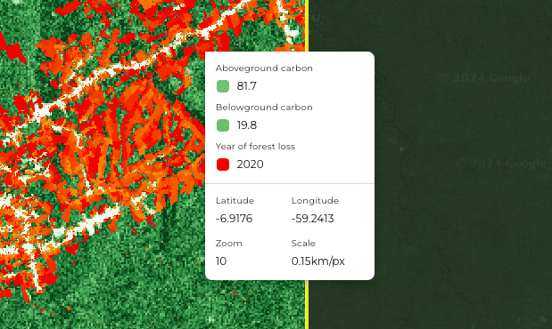
The pixel inspector menu displays the latitude and longitude, the current zoom level of the map and the estimated scale. If you have layers on the map, the pixel inspector will show the value for each of those layers for that pixel.
Inspect a pixel by right clicking on it.
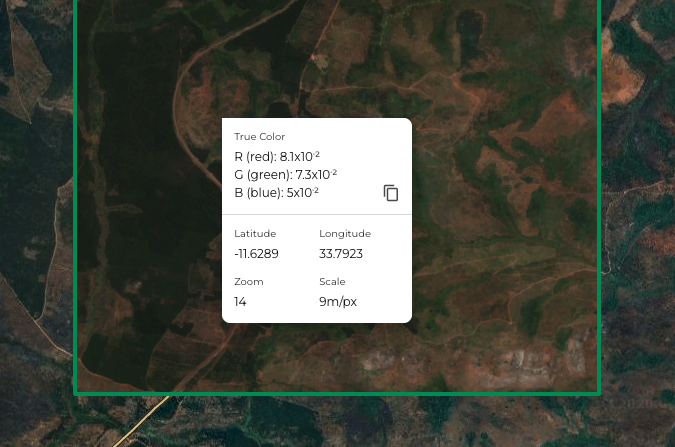
Map layers that use multiple bands will show the values for each of the red, green, and blue (RGB) channels.
If you have a time series map layer, the pixel inspector will show the value for the date that is selected.
To copy a value to the clipboard, hover over the value and click on the ‘copy’ icon that appears (as seen above for the blue channel).